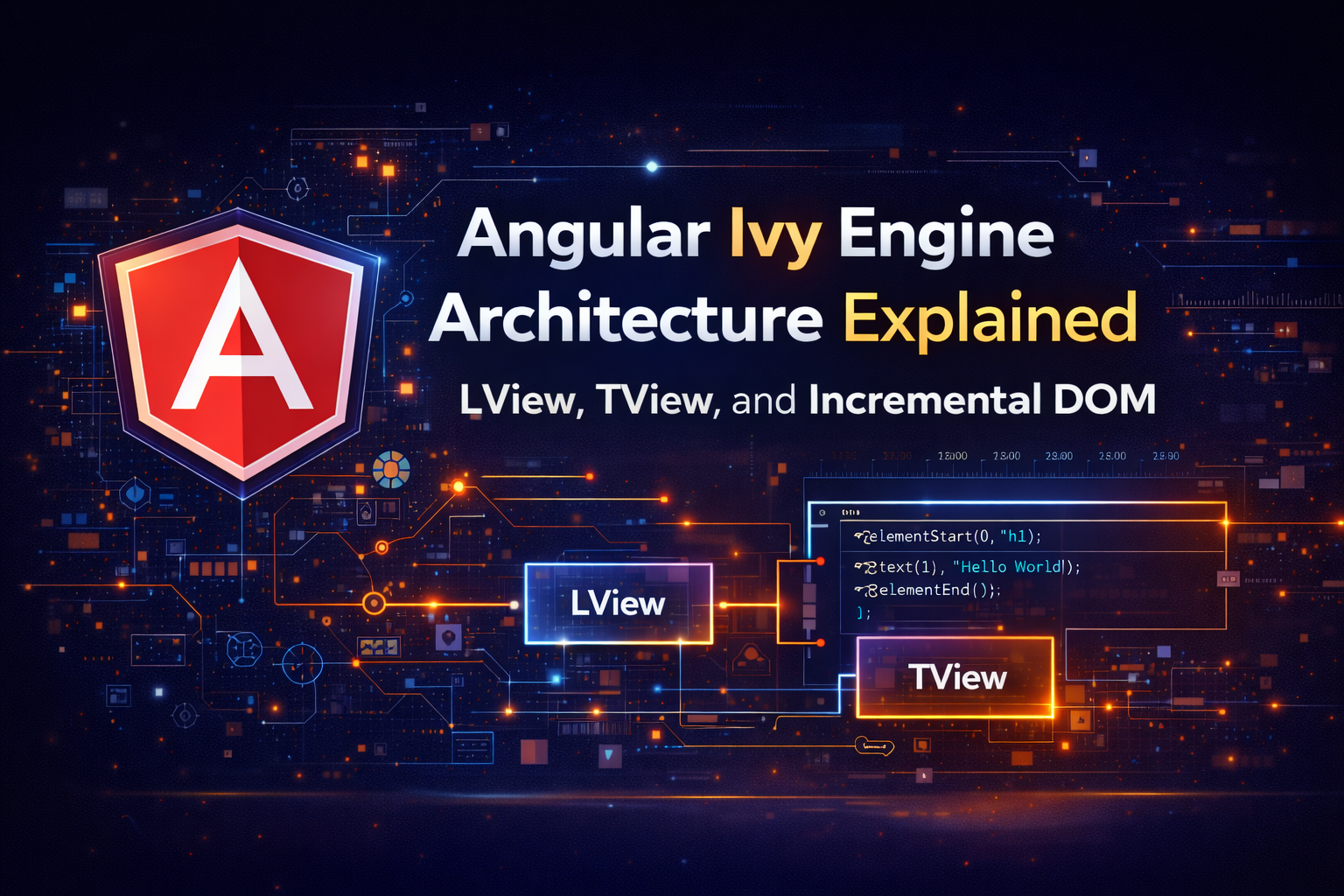
Angular Ivy Engine Architecture Explained LView TView and Incremental DOM
When Angular 9 was released, it introduced a new rendering engine called Ivy. It wasn't just a performance upgrade; it was a complete rewrite of how the framework compiles your code and updates the DOM.
Before Ivy, Angular used the "View Engine." It was powerful but generated large bundles and struggled with complex change detection scenarios. Ivy solved this by shifting Angular’s internal architecture to a model based on Incremental DOM and highly optimized memory arrays.
In this technical breakdown, we will look at the actual data structures—LView and TView—that Angular uses to store your component state, and how these structures make Change Detection faster than ever before.
The Big Picture
Ivy provides the memory structure. The algorithm that traverses this structure is explained in our main guide:
How Angular Change Detection Works Internally →1. Virtual DOM vs. Incremental DOM
To understand Ivy, you must understand what it isn't. It is not a Virtual DOM.
React (Virtual DOM):
When data changes, React creates a new tree of JavaScript objects representing the UI. It compares this new tree with the old tree (Diffing) and calculates the minimum necessary DOM updates.
Angular Ivy (Incremental DOM):
Angular compiles your templates into Instructions. When data changes, Angular just runs these instructions again. It does not create a tree of intermediate objects. It compares the new data directly against the last known value.
This approach is why Angular applications are often more memory-efficient in large-scale scenarios—there is no "Virtual DOM Tree" occupying the heap memory.
2. The Compilation Output: Instructions
If you look at the compiled JavaScript of an Ivy component, you won't see an HTML string. You will see function calls.
Your Template:
<div>
  <span>Hello {{ name }}</span>
</div>
Ivy Compilation (Simplified):
if (rf & 1) { // Create Mode
  ɵɵelementStart(0, "div");
  ɵɵelementStart(1, "span");
  ɵɵtext(2);
  ɵɵelementEnd();
  ɵɵelementEnd();
}
if (rf & 2) { // Update Mode
  ɵɵadvance(2);
  ɵɵtextInterpolate1("Hello ", ctx.name);
}
These instructions (ɵɵelementStart, ɵɵadvance) are the heart of the engine. They are tree-shakable. If you never use a Pipe in your app, the instruction code for Pipes is removed from your final bundle.
3. TView vs. LView: The Memory Architecture
How does Angular remember that "Slot 2" in the instructions refers to the <span>? It uses two specific data structures.
TView (Template View)
The TView is the Static Blueprint. It is created once when the application boots up (or lazily when a component is first loaded).
It contains:
- The DOM structure (instructions).
- The list of directive inputs/outputs.
- Content projection slots.
Because it is static, it is shared across every single instance of that component. If you have 1,000 rows in a table, there is only one TView in memory.
LView (Logical View)
The LView is the Runtime State. It is an Array (specifically a JavaScript Array) that represents a single instance of a component.
Why an Array and not an Object? Because Array access (by index) is faster than Object property lookups in JavaScript engines (V8), and arrays are more compact in memory.
What is inside an LView?
- DOM References: Pointers to the actual DOM nodes (
<div>,<span>). - Binding Values: The last known value of expressions (e.g., the string "Hello Bob").
- Sanitization Context: Flags for security.
- Injection Tokens: Local services provided in that component.
4. How Detection Works with LViews
When ApplicationRef.tick() triggers a change detection cycle, Ivy performs the following "Dirty Checking" process:
- It enters the component's update mode.
- It reads the TView to know which instructions to run.
- It accesses the LView of that specific instance.
- It executes
ɵɵtextInterpolate1. - It compares the new value (
ctx.name) against the value stored in theLViewarray at a specific index. - If they differ, it updates the DOM node referenced in the
LViewand updates the value in the array.
This separation of Blueprint (TView) and State (LView) is the secret sauce that allows Angular to remain performant even with large component trees.
5. Locality and Compilation
Another major benefit of Ivy is the Locality Principle. Under the old engine, compiling a component required global knowledge of the application (metadata from other modules).
With Ivy, each component compiles independently. The @Component decorator contains everything Ivy needs to generate the ɵɵelementStart instructions.
This architecture allows:
- Faster Builds: Changes in one component don't trigger a massive recompilation.
- Better Tree Shaking: If a feature isn't used in the instruction set, it isn't included in the bundle.
- Lazy Loading: Components can be lazy-loaded more easily without complex module dependencies.
See Ivy in Action
You can visualize the time spent executing these instructions using the Profiler:
Profiling Angular Applications: The Ultimate DevTools Guide →Conclusion
Ivy is more than just a rendering engine; it is an architectural philosophy that prioritizes memory efficiency and incremental compilation.
By using LView arrays to store state and executing TView blueprints, Angular achieves a level of predictability and performance that scales from "Hello World" to massive enterprise dashboards. Understanding this structure helps demystify what is actually happening inside your browser when you update a variable.